
Every day, millions of people search for quick, reliable tools to help them get things done faster — without downloading software, paying for subscriptions, or creating yet another account. Whether you need to generate a strong password, check your IP address, download a video, or calculate compound interest, having the right free online tool at your fingertips can save hours of frustration.
In this guide, we have compiled the best free online tools for your everyday life — organized by category so you can find exactly what you need in seconds. All of these tools are available at DiaryOk.com and require no sign-up, no payment, and no installation.
Let’s dive in.
Why Free Online Tools Are Better Than Downloadable Software
Before we get into the tools themselves, it is worth understanding why browser-based tools have become the preferred choice for millions of users worldwide:
- No installation required. Open your browser, use the tool, and move on. No setup wizards, no permissions, no bloatware.
- Works on any device. Whether you are on a Windows PC, a Mac, a tablet, or a smartphone, online tools work everywhere without compatibility issues.
- Always up to date. Unlike downloaded software, browser-based tools are updated server-side. You always have the latest version without doing anything.
- Free with no hidden costs. The best free online tools offer full functionality without requiring a paid upgrade for basic features.
- Private and fast. Many tools run calculations locally in your browser, meaning your data never even leaves your device.
Now, let us explore the top free tools you should bookmark today.
1. Free Password Generator — Create Strong Passwords Instantly
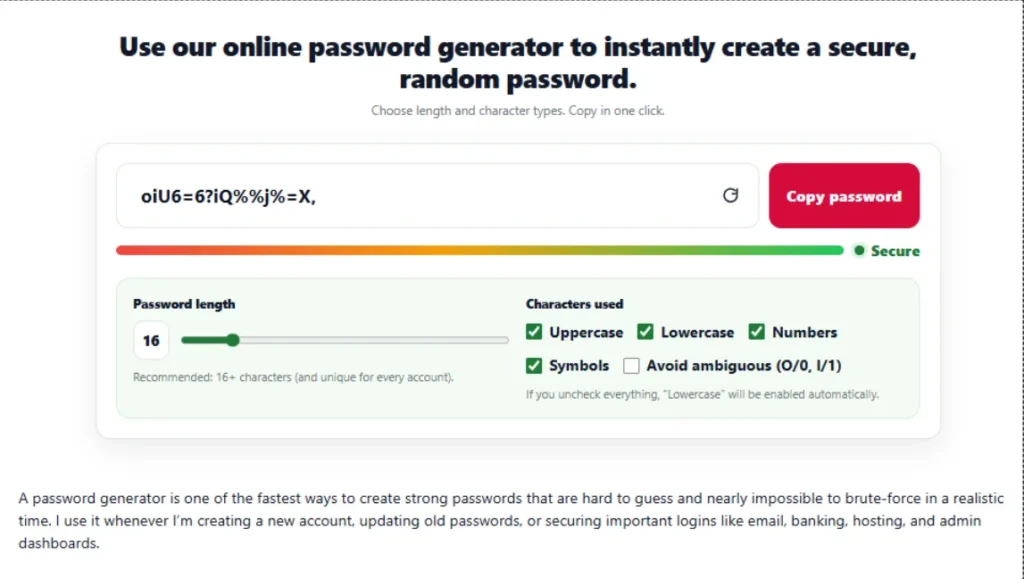
Best for: Anyone who wants to stop using weak passwords like “123456” or their pet’s name.
One of the most common — and most dangerous — mistakes people make online is reusing the same weak password across multiple accounts. According to cybersecurity experts, over 80% of data breaches involve compromised or weak passwords.
A free password generator solves this problem in seconds. Instead of trying to come up with something both memorable and secure, you let the tool do the hard work.
What makes a strong password?
A truly strong password typically has:
- At least 16 characters in length
- A mix of uppercase and lowercase letters
- Numbers and special characters (like @, #, $, !)
- No dictionary words, names, or dates
- No patterns (like “abc” or “111”)
How to use the free password generator at DiaryOk
- Go to the Password Generator tool
- Choose your desired password length (we recommend 16–24 characters)
- Select which character types to include
- Click Generate
- Copy and store it in a password manager like Bitwarden or 1Password
Pro tip: Never reuse the same password on two different sites. Generate a unique one for every account.
Related tool: Once you have a strong password, learn why your IP address matters for your online security — see our guide on What Is My IP Address and Why Does It Matter.
2. What Is My IP? — Check Your Public IP Address for Free
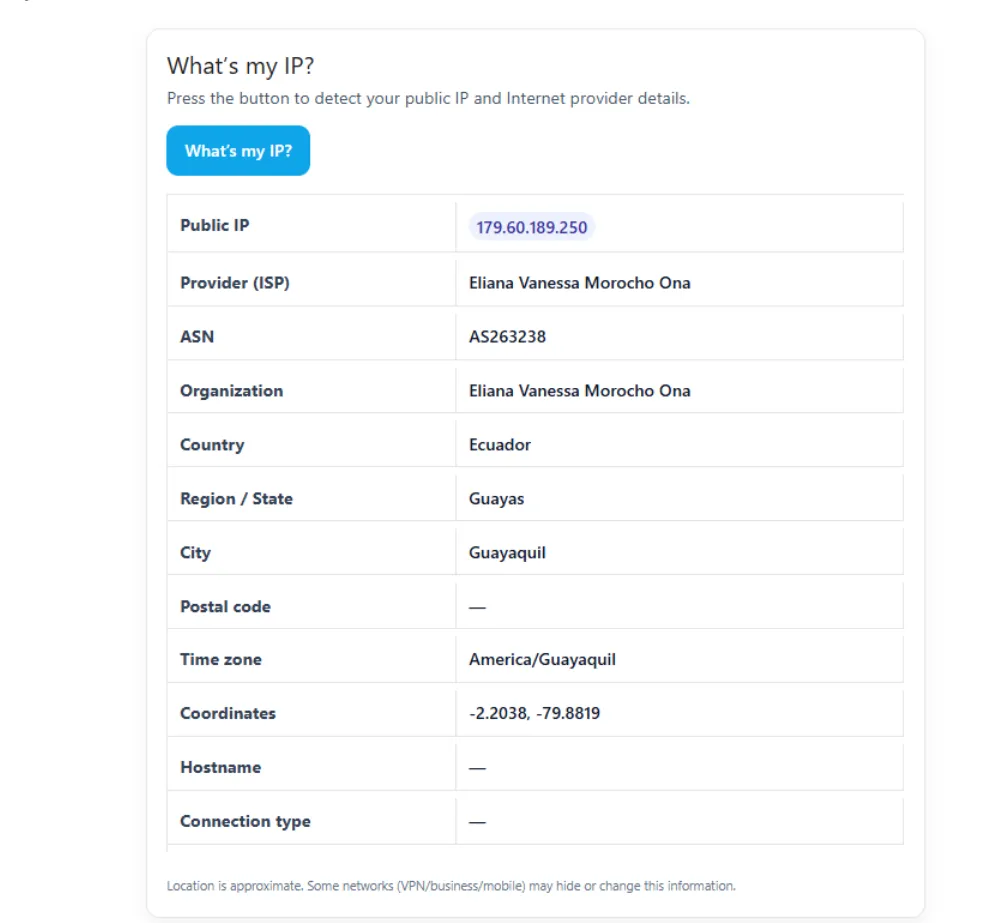
Best for: Remote workers, gamers, developers, and anyone concerned about online privacy.
Your IP address (Internet Protocol address) is a unique numerical label assigned to your device when it connects to the internet. Think of it as your home’s street address — it tells websites and servers where to send the information you request.
But there is a lot more to your IP address than most people realize.
IPv4 vs IPv6: What is the difference?
Most people are familiar with IPv4 addresses, which look like this: 192.168.1.1. These are 32-bit addresses, and the world has essentially run out of them.
IPv6 was introduced to solve this problem. An IPv6 address looks like this: 2001:0db8:85a3:0000:0000:8a2e:0370:7334. It offers a virtually unlimited number of unique addresses and is gradually replacing IPv4 across the internet.
Why would you need to check your IP address?
There are many practical reasons to know your IP:
- Troubleshooting network issues — your IP address helps you (or your ISP’s tech support) diagnose connectivity problems
- Setting up remote access — configuring a home server, NAS device, or VPN requires knowing your public IP
- Gaming — some online games require port forwarding, which depends on your IP
- Verifying your VPN is working — if your VPN is active, your visible IP should be different from your real one
- Security auditing — knowing what information is visible about your connection helps you make smarter privacy decisions
How to check your IP address instantly
Simply visit the What Is My IP tool and your public IP address will appear on the screen immediately — no clicks, no forms, no waiting.
Related tool: Protecting your privacy online starts with strong passwords. See our Free Password Generator guide for tips on securing your accounts.
3. Free URL Generator — Create SEO-Friendly URLs in Seconds
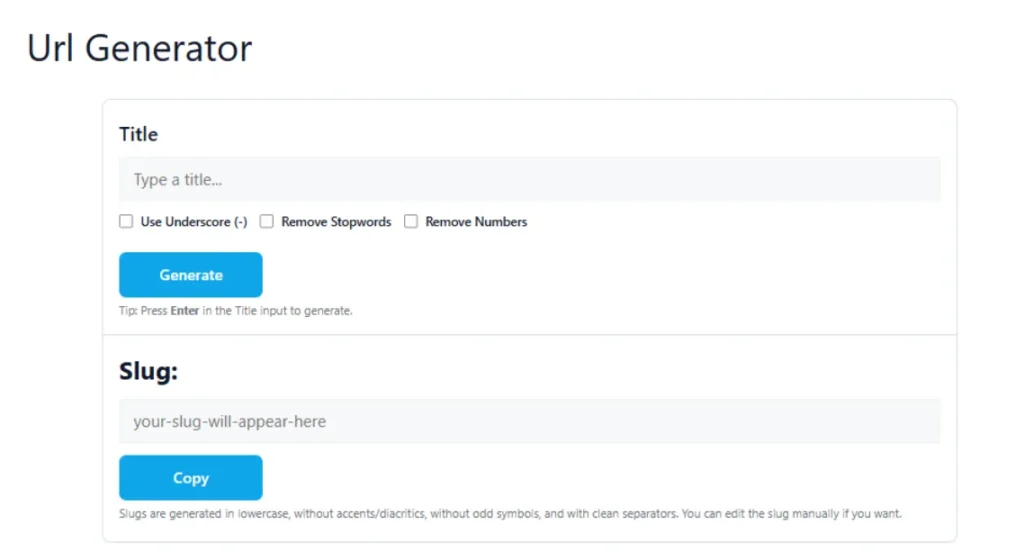
Best for: Bloggers, content creators, web developers, and small business owners.
Every page on the internet has a URL (Uniform Resource Locator). But not all URLs are created equal. A well-structured URL helps search engines understand what your page is about — and it helps users know what to expect before they even click.
What is a URL slug and why does it matter for SEO?
A URL slug is the part of the URL that comes after the domain name. For example:
https://diaryok.com/best-free-online-tools
                    ↑
                 This is the slug
Search engines like Google read your URL slug as one of many signals to determine what your page is about. A clean, descriptive slug can improve your rankings, increase click-through rates, and make your content easier to share.
Characteristics of an SEO-friendly URL
A good URL slug should:
- Use hyphens between words (never underscores or spaces)
- Be lowercase —
my-pageis better thanMy-Page - Include the main keyword naturally
- Be short and descriptive — avoid long strings of numbers or random characters
- Avoid stop words where possible (words like “the”, “a”, “and” add length without SEO value)
Bad URL: https://example.com/p=12345?ref=home&session=abc123 Good URL: https://example.com/free-online-password-generator
How to use the free URL generator
The URL Generator tool at DiaryOk takes any text you input — like an article title — and instantly converts it into a clean, hyphenated, lowercase URL slug ready to use on your website.
Related tool: Pair this with our Web Color Palettes tool to build a visually consistent, SEO-optimized website.
4. Free Twitter / X Video Downloader — Save Videos Without Apps
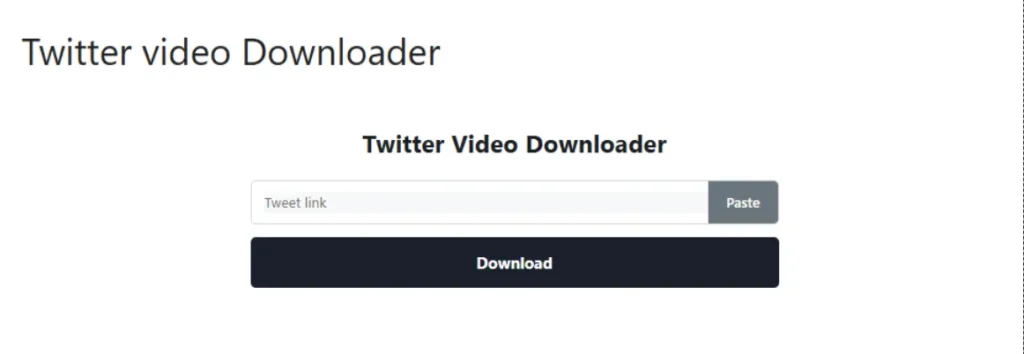
Best for: Social media users, content researchers, journalists, and marketers.
Twitter (now rebranded as X) does not offer a native option to download videos directly from its platform. Once you close the app, those videos are gone — unless you know the right tool.
A free Twitter video downloader lets you save any publicly posted video to your device in seconds, without installing any software.
Common reasons people download Twitter videos
- Saving a video for offline viewing when traveling
- Archiving news clips or important announcements before they get deleted
- Repurposing content for presentations or research (with proper attribution)
- Creating a local backup of your own posted content
- Sharing a video via email or messaging apps where Twitter links may not embed
How to download a Twitter/X video for free
- Find the tweet containing the video you want to save
- Click the share icon on the tweet and copy the tweet’s URL
- Paste the URL into the Twitter Video Downloader tool at DiaryOk
- Select your preferred video quality (HD or SD)
- Click download and save the file to your device
The entire process takes under 30 seconds and works on desktop and mobile browsers alike.
Important note: Always respect copyright when downloading videos. Download only content you have permission to use or content you created yourself.
5. Compound Interest Calculator — See How Your Money Really Grows
Best for: Savers, investors, students learning personal finance, and anyone planning for retirement.
Albert Einstein is often quoted (perhaps apocryphally) as saying compound interest is “the eighth wonder of the world.” Whether he said it or not, the math behind it is genuinely remarkable — and most people severely underestimate its power.
What is compound interest?
Compound interest is interest calculated not just on your initial principal, but also on the interest you have already accumulated. In simple terms: you earn interest on your interest.
Compare this to simple interest, which is calculated only on the original principal amount and stays flat over time.
The compound interest formula
The standard formula is:
A = P × (1 + r/n)^(n×t)
Where:
- A = the final amount (principal + interest)
- P = initial principal (the money you start with)
- r = annual interest rate (in decimal form — so 5% = 0.05)
- n = number of times interest compounds per year (monthly = 12, daily = 365)
- t = time in years
A real-world example
Suppose you invest $5,000 at an annual interest rate of 7%, compounded monthly, for 20 years.
Using simple interest: You would earn $7,000 in interest, ending with $12,000.
Using compound interest: You would end with approximately $20,097 — more than double what simple interest would give you.
The difference becomes even more dramatic over 30 or 40 years. This is why starting to save and invest early is one of the most impactful financial decisions you can make.
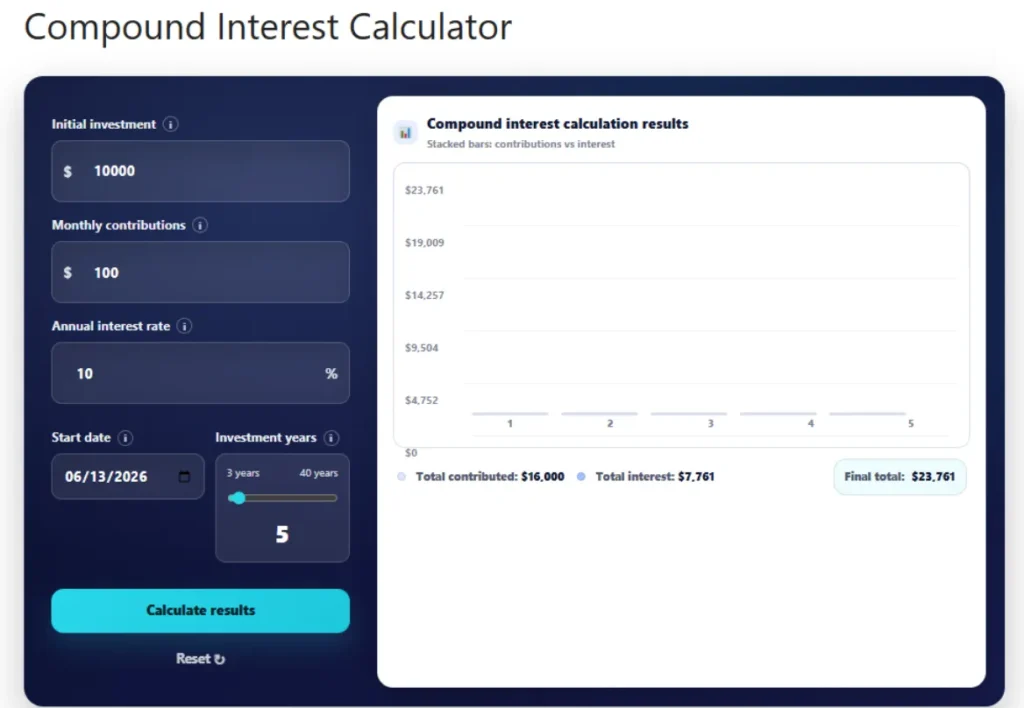
How to use the free compound interest calculator
Visit the Compound Interest Calculator at DiaryOk, enter your:
- Starting amount
- Annual interest rate
- Compounding frequency (daily, monthly, quarterly, annually)
- Time period in years
The tool instantly shows your final balance and total interest earned, with a clear breakdown you can use for financial planning.
6. Web Color Palettes — Find the Perfect Colors for Your Website
Best for: Web designers, graphic designers, bloggers, and small business owners building their brand online.
Color is one of the most powerful — and most underestimated — elements of web design. Studies consistently show that color affects purchasing decisions, brand perception, and how long visitors stay on a page.
The psychology of color in web design
Different colors trigger different emotional responses:
- Blue: Trust, reliability, calm — used by Facebook, LinkedIn, PayPal
- Red: Urgency, energy, passion — used by YouTube, Netflix, Coca-Cola
- Green: Nature, health, growth — used by Whole Foods, Spotify, Animal Planet
- Yellow/Orange: Optimism, warmth, creativity — used by Amazon, IKEA, Fanta
- Purple: Luxury, wisdom, mystery — used by Cadbury, Hallmark, Twitch
- Black/White: Elegance, simplicity, cleanliness — used by Apple, Chanel, Nike
The 60-30-10 rule for color harmony
Professional designers follow the 60-30-10 rule when building a color palette:
- 60% of the page uses your dominant (primary) color — usually a neutral like white or light gray
- 30% uses your secondary color — your brand’s main color
- 10% uses your accent color — for buttons, highlights, and calls to action
This ratio creates visual harmony without overwhelming the viewer.
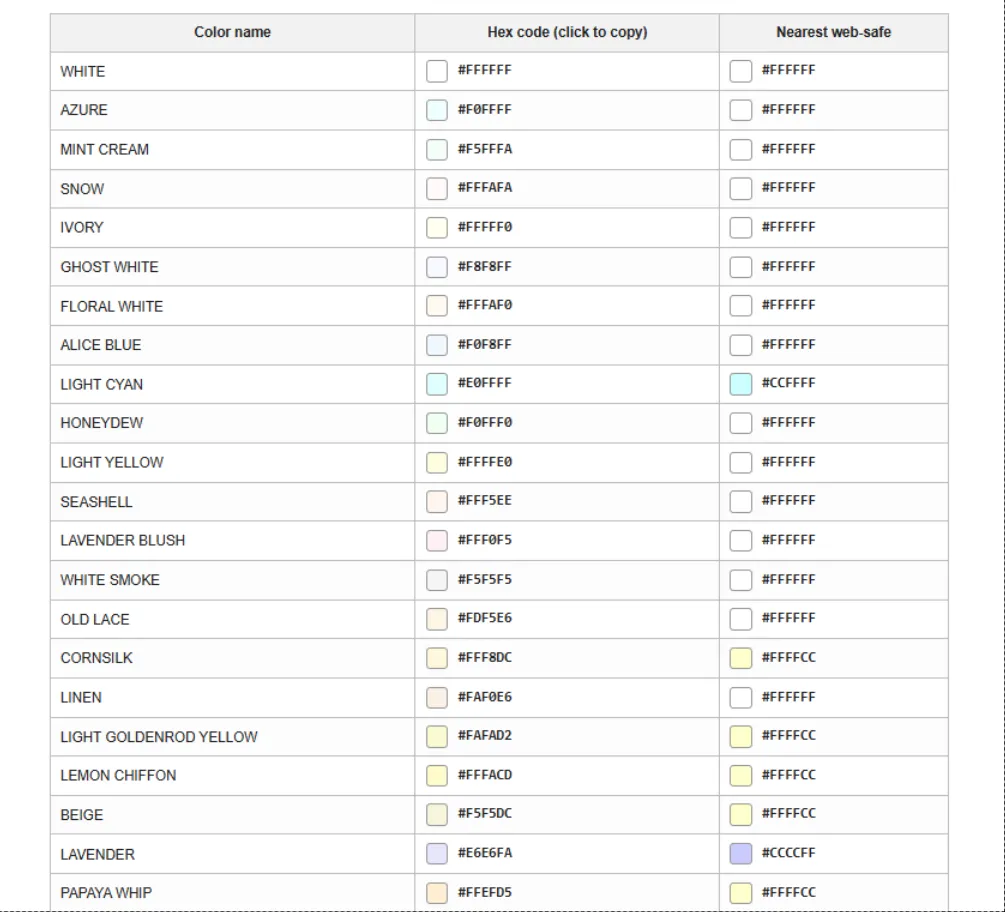
How to use the free web color palette tool
The Web Color Palettes tool at DiaryOk helps you explore and generate color combinations that work well together. You can browse palettes by mood, copy hex codes directly, and test how colors look side by side before committing to a design.
Related tool: Once you have your color palette, use the URL Generator to make sure your website’s structure is just as polished as its visual design.
7. Gypsum & Drywall Calculator — Plan Your Construction Project Accurately
Best for: DIY homeowners, contractors, and anyone planning a renovation project.
One of the most common and costly mistakes in home construction is buying too much — or too little — drywall. Whether you are finishing a basement, building a partition wall, or renovating a room, accurate material estimation is essential.
How drywall is measured and sold
Drywall (also called gypsum board or sheetrock) is sold in standard panel sizes, most commonly:
- 4 feet × 8 feet (most common for walls)
- 4 feet × 12 feet (for taller walls, fewer seams)
Panels come in different thicknesses:
- 1/4 inch — flexible, used for curved surfaces
- 3/8 inch — lightweight, used for repairs
- 1/2 inch — the standard for most interior walls and ceilings
- 5/8 inch — fire-resistant, often required in garages or between floors
How to calculate drywall needs accurately
The basic steps are:
- Calculate the total square footage of the area you need to cover (length × height of each wall)
- Subtract openings — doors and windows do not need drywall
- Add 10–15% waste factor — for cuts, corners, and mistakes
- Divide by panel size to get the number of panels needed
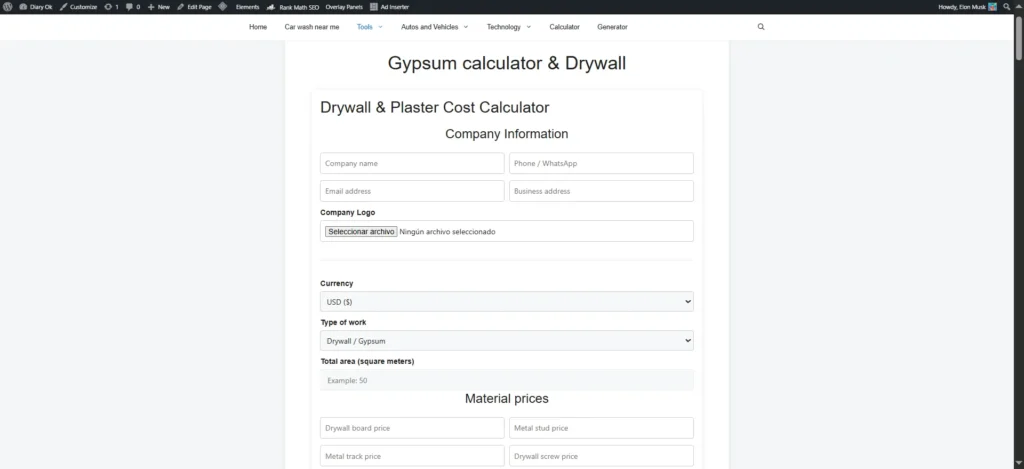
Use the free gypsum calculator
The Gypsum Calculator & Drywall tool at DiaryOk does all of this math for you instantly. Enter your room dimensions, panel size preference, and waste percentage, and the tool outputs the exact number of panels you need — saving you time and money at the hardware store.
Related tool: Planning a full renovation? Pair the gypsum calculator with the Yarn Calculator if your project also includes textile or upholstery work.
8. Yarn Calculator — Never Buy Too Much (or Too Little) Wool Again
Best for: Knitters, crochet artists, and textile crafters of all skill levels.
One of the most frustrating experiences in knitting or crochet is running out of yarn mid-project — especially when the dye lot you used is no longer available. On the flip side, buying far too much yarn wastes money and fills your crafting space with half-used skeins.
Factors that affect yarn quantity
Calculating how much yarn you need is not as simple as it sounds. The amount varies based on:
- The type of project — a small hat uses far less than a full blanket or sweater
- The size of the finished item — the larger the clothing size, the more yarn
- The yarn weight — bulky yarns use fewer yards to cover the same area than fingering weight
- Your tension/gauge — looser knitters use more yarn than tighter ones
- The stitch pattern — some stitches (like cables) use significantly more yarn than stockinette
Standard yarn estimates by project type
Here are rough starting estimates (these vary significantly by yarn weight and gauge):
| Project | Approximate Yardage |
|---|---|
| Baby hat | 100–200 yards |
| Adult beanie | 200–400 yards |
| Fingerless gloves | 200–300 yards |
| Child’s sweater | 800–1,200 yards |
| Adult sweater | 1,500–3,000 yards |
| Throw blanket | 3,000–6,000 yards |
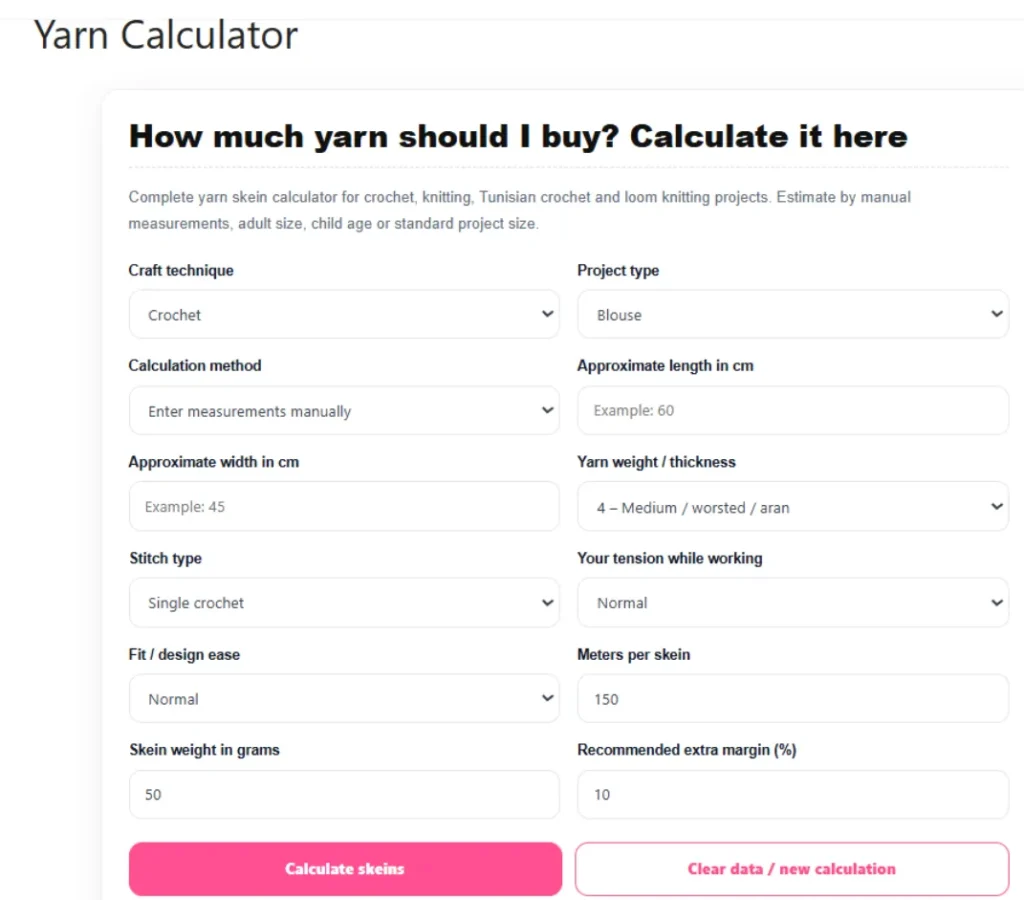
How to use the free yarn calculator
The Yarn Calculator at DiaryOk takes the guesswork out of your next project. Enter your project type, size, yarn weight, and gauge, and it calculates the yardage you need — along with how many skeins to buy based on the skein size of your chosen yarn.
9. Refrigerator Diagnostics — Troubleshoot Your Fridge Without Calling a Technician
Best for: Homeowners who want to diagnose refrigerator problems before calling (and paying) for repair service.
A refrigerator that stops working properly is one of the most stressful household problems you can face. Spoiled food, inconvenience, and expensive repair bills can all follow. But many common refrigerator issues are easy to diagnose — and sometimes even fix — without professional help.
The most common refrigerator problems and their causes
Problem: The refrigerator is not cooling Possible causes include a dirty condenser coil, a failed evaporator fan motor, a faulty thermostat, or low refrigerant. Start by checking that the temperature settings are correct and that nothing is blocking the interior vents.
Problem: The freezer works but the fridge section is warm This is often caused by a failed damper (or diffuser) that controls airflow between the freezer and fridge compartments. A defrost system failure can also cause frost buildup that blocks airflow.
Problem: The refrigerator is making unusual noises Clicking sounds often indicate the compressor is struggling to start. Humming is normal, but loud humming can signal a failing condenser fan. Rattling may mean something is loose or vibrating against the coils at the back.
Problem: Water is pooling inside or under the fridge A blocked defrost drain is the most common culprit. The drain tube can become clogged with food particles or ice, causing water to back up and pool inside the unit.
Problem: The ice maker is not working Check that the ice maker is turned on, the water supply line is connected and not kinked, and the freezer temperature is set below 10°F (–12°C). A failed water inlet valve is another common cause.
Use the free refrigerator diagnostics tool
Instead of guessing or searching through dozens of forum threads, the Refrigerator Diagnostics tool at DiaryOk guides you through a step-by-step troubleshooting process. Answer a few simple questions about your symptoms, and the tool narrows down the most likely cause — helping you decide whether it is a DIY fix or time to call a professional.
Quick Reference: All Free Tools at a Glance
Here is a summary of every free online tool covered in this guide:
| Tool | Best For | Link |
|---|---|---|
| Password Generator | Creating strong, secure passwords | Try it |
| What Is My IP? | Checking your public IP address | Try it |
| URL Generator | Creating SEO-friendly URL slugs | Try it |
| Twitter Video Downloader | Saving videos from Twitter/X | Try it |
| Compound Interest Calculator | Financial planning and investing | Try it |
| Web Color Palettes | Choosing colors for websites | Try it |
| Gypsum / Drywall Calculator | Planning construction projects | Try it |
| Yarn Calculator | Estimating yarn for knitting/crochet | Try it |
| Refrigerator Diagnostics | Troubleshooting fridge problems | Try it |
Frequently Asked Questions
Are these tools really free?
Yes. Every tool listed in this guide is completely free to use with no sign-up, no payment, and no hidden limits. Simply visit DiaryOk.com and start using any tool immediately.
Do I need to create an account to use DiaryOk tools?
No account is required. All tools are available directly from the browser without registration.
Are these tools safe to use?
Yes. DiaryOk’s tools are designed with privacy in mind. For tools like the password generator, calculations are performed locally in your browser, meaning no sensitive data is transmitted or stored on a server.
Do the tools work on mobile devices?
Yes. All tools at DiaryOk are responsive and work on smartphones and tablets running any modern browser, including Chrome, Safari, Firefox, and Edge.
How often are the tools updated?
The tools are maintained and updated regularly to ensure accuracy and compatibility with the latest devices and browsers.
Final Thoughts
Having the right tool for the job makes everything easier — and it does not have to cost a thing. Whether you are securing your accounts with a strong password, planning a home renovation, calculating your investment returns, or troubleshooting a broken appliance, the free online tools at DiaryOk.com are here to help.
Bookmark this page and share it with friends who could use a reliable set of everyday online tools. No downloads, no fees, no frustration — just useful tools that get the job done.
Looking for a specific tool? Browse the full collection at DiaryOk.com. New tools are added regularly.